In today's digital era, websites play a crucial role in establishing an online presence for businesses and organizations. However, it is vital to ensure that everyone, regardless of their abilities, can access and navigate through your website with ease.
This is where ADA compliance comes into play.
What ADA compliance means for a website
The Americans with Disabilities Act is a federal law in the United States that prohibits discrimination against individuals with disabilities. In recent years, the scope of ADA compliance has expanded to include digital accessibility, making it important for websites to accommodate users with disabilities — including visual, hearing, motor and cognitive impairments.
In practical terms, that means a website should be perceivable, operable and understandable: readable contrast, keyboard navigation, alt text on images, clear headings and labels on form fields.
Start with the build, not the patch
An accessibility overlay cannot fix a site that was built badly. Our approach is to start with semantic structure, sensible heading order, sufficient contrast and real form labels — then add tooling on top for visitors who need it.
Where an accessibility widget helps
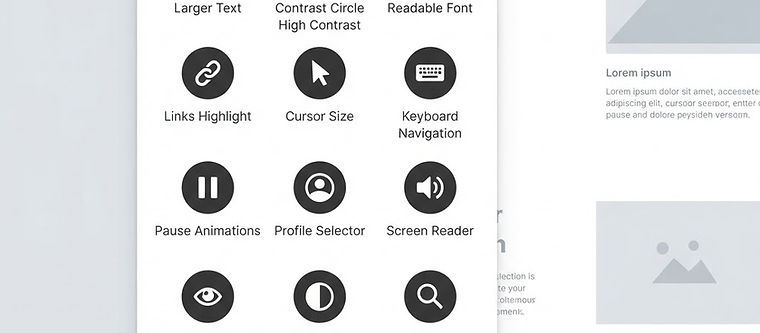
Tools like the UserWay widget add controls a visitor can use themselves: text sizing, contrast modes, a reading guide, keyboard navigation aids and more. For a small business without an accessibility budget, a widget is a practical safety net while the underlying site is improved.
A sensible order of operations
- Build the site with clean structure and adequate contrast.
- Add descriptive alt text to meaningful images.
- Test with a keyboard and with a screen reader.
- Add an accessibility widget for visitor-controlled adjustments.
- Review periodically as content changes.
If you are unsure where your current website stands, ask us for a free review — we will tell you what is actually broken rather than selling you a plugin.